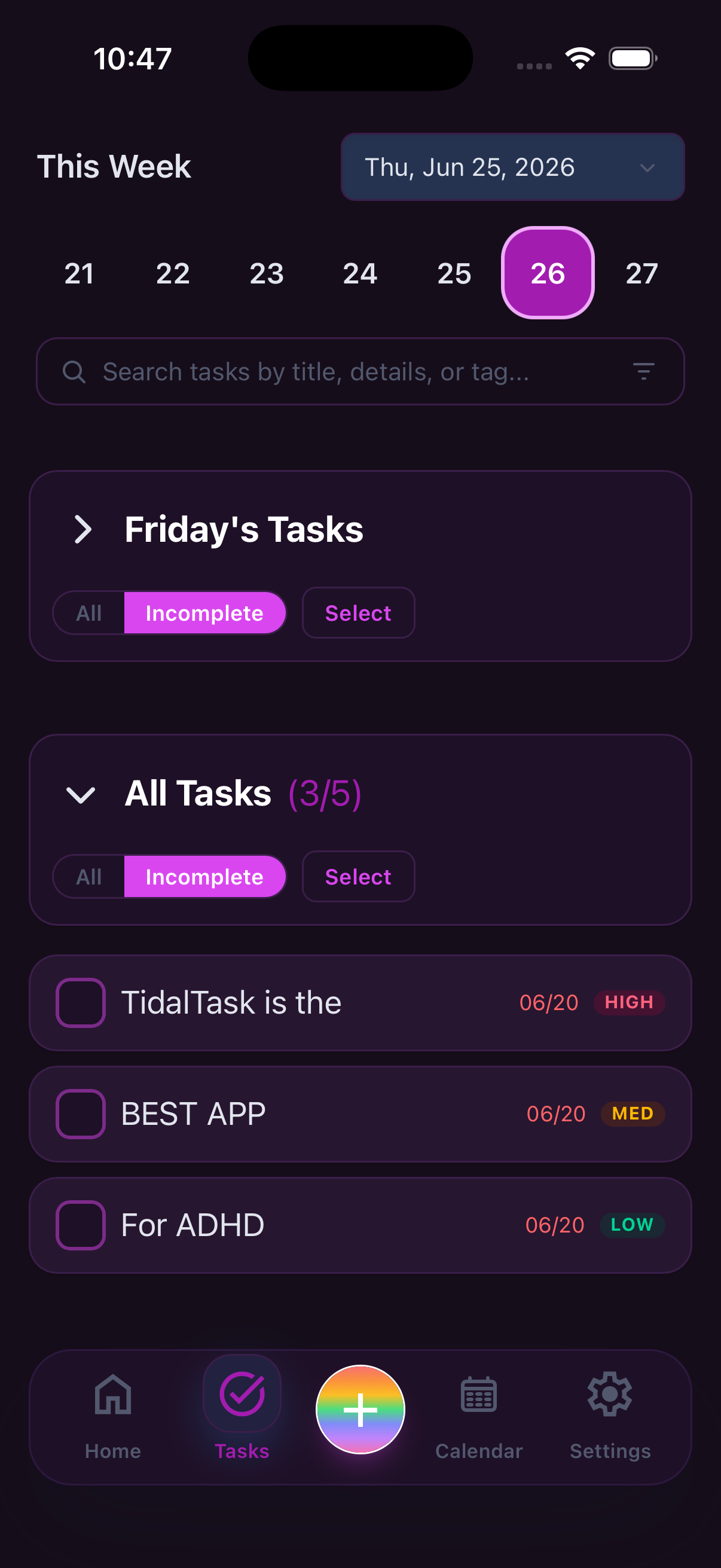
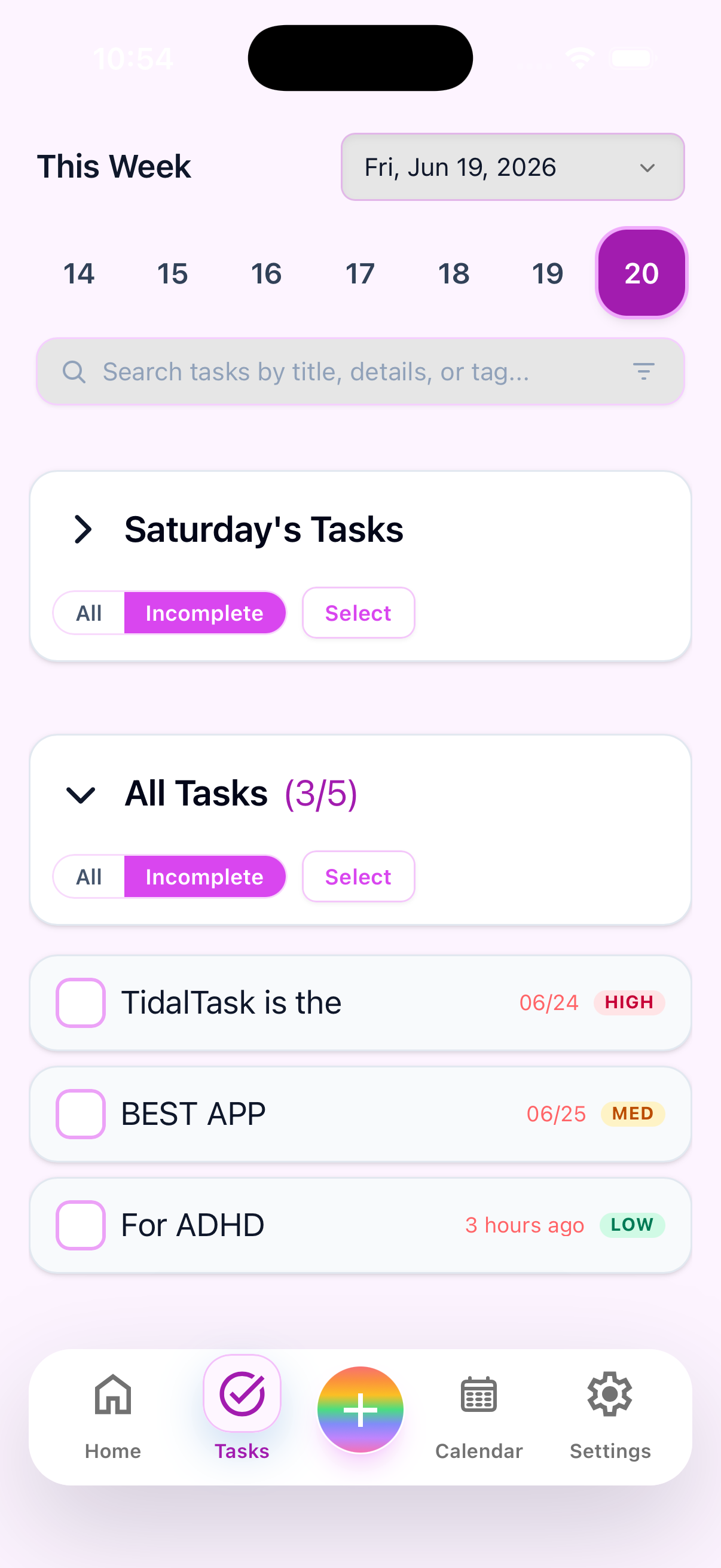
Quick capture
Your tasks, always within reach
Capture what matters the moment it surfaces — before the thought is gone.
- One tap to add, no folders to navigate first
- Works even on low-energy or overwhelmed days
- Nothing lost to friction or a slow UI
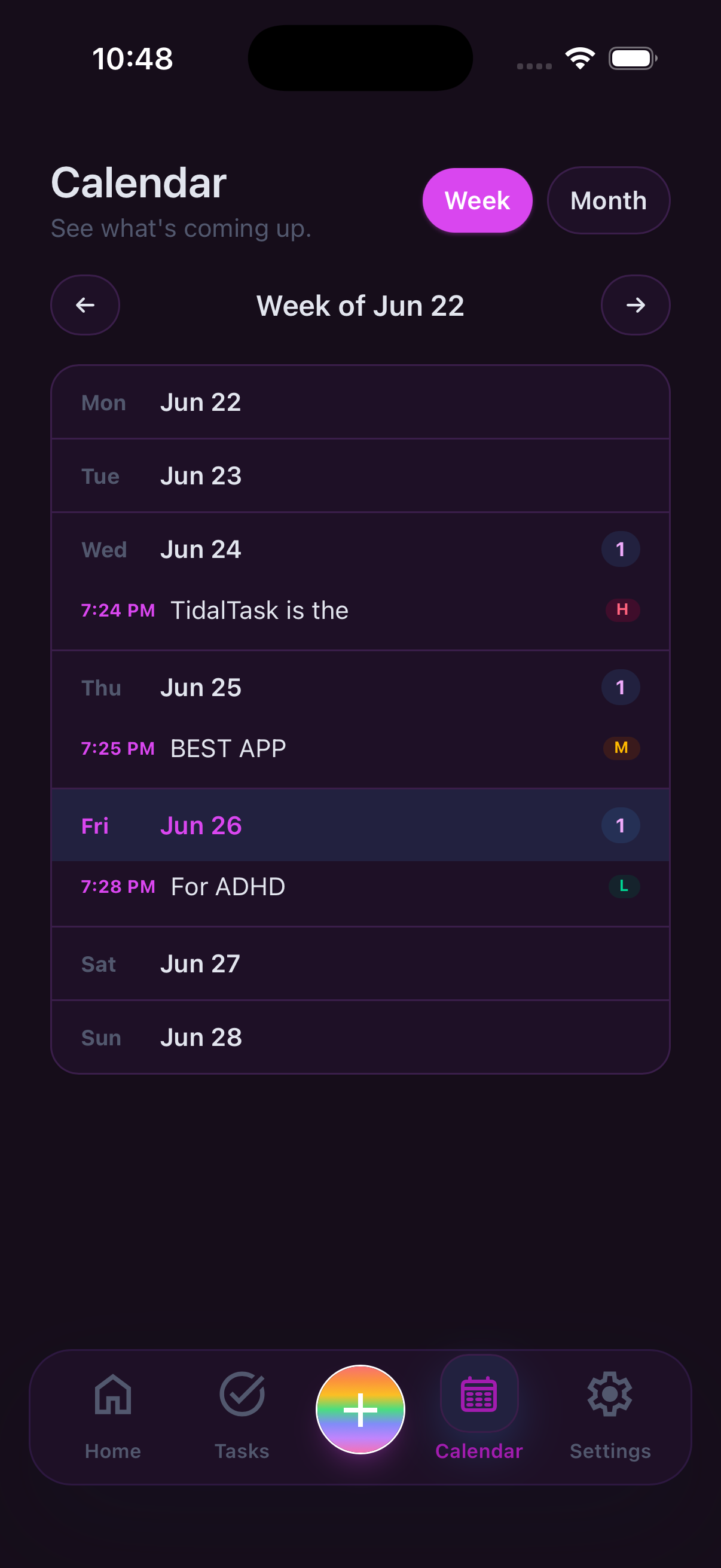
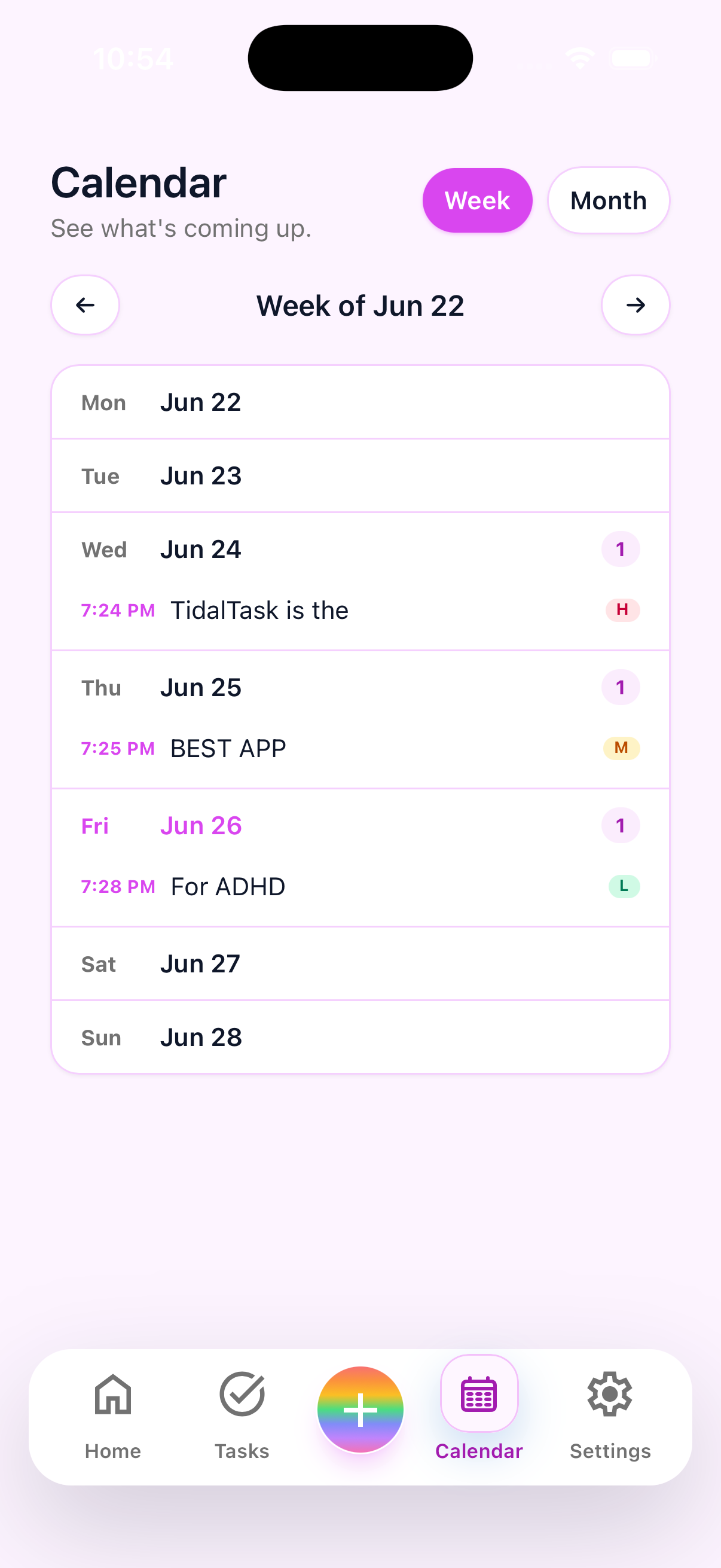
Weekly view
See the whole week at a glance
A calm view that shows what matters without pulling you into your full backlog.
- Pull the small set of tasks that matter now
- Spot overload before the week gets away from you
- Flexible enough to reshape any day mid-stream
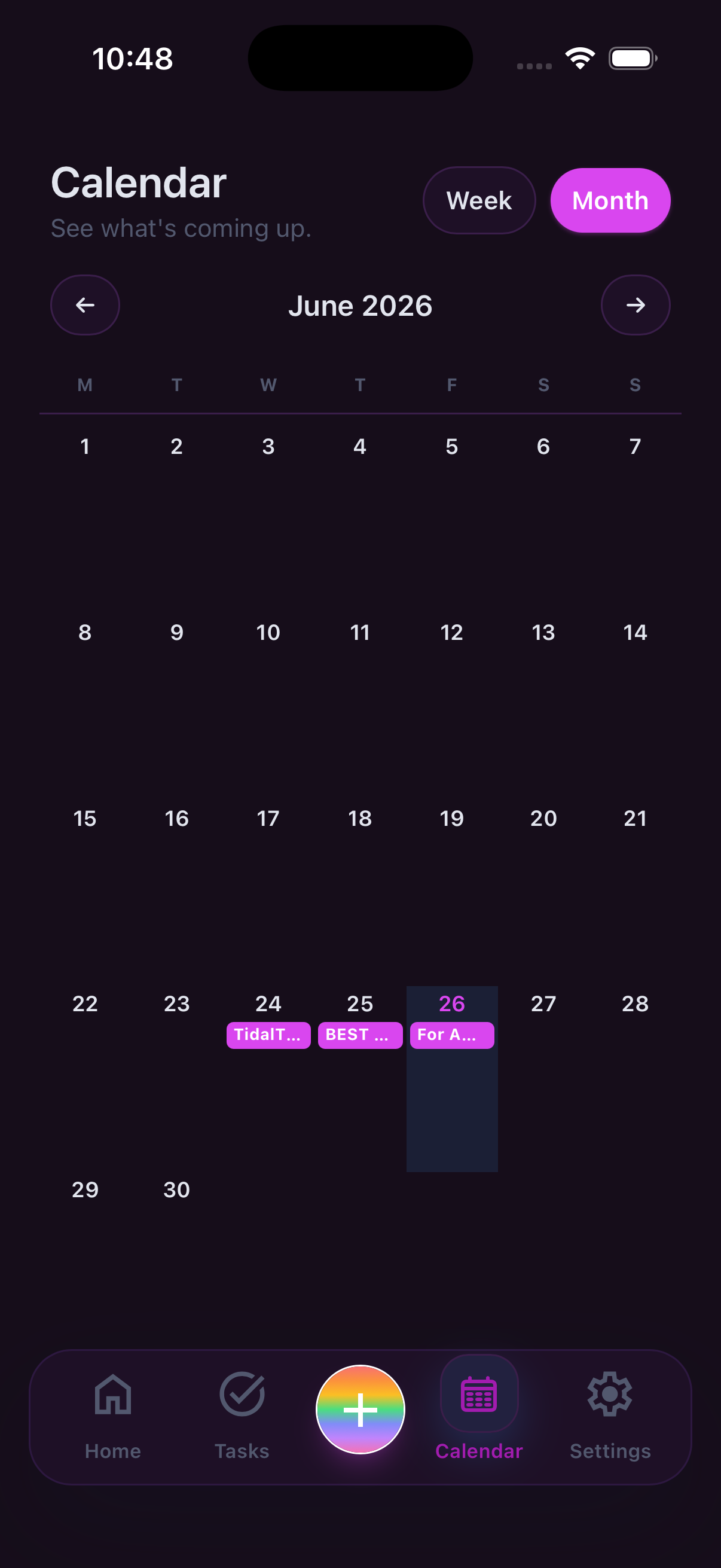
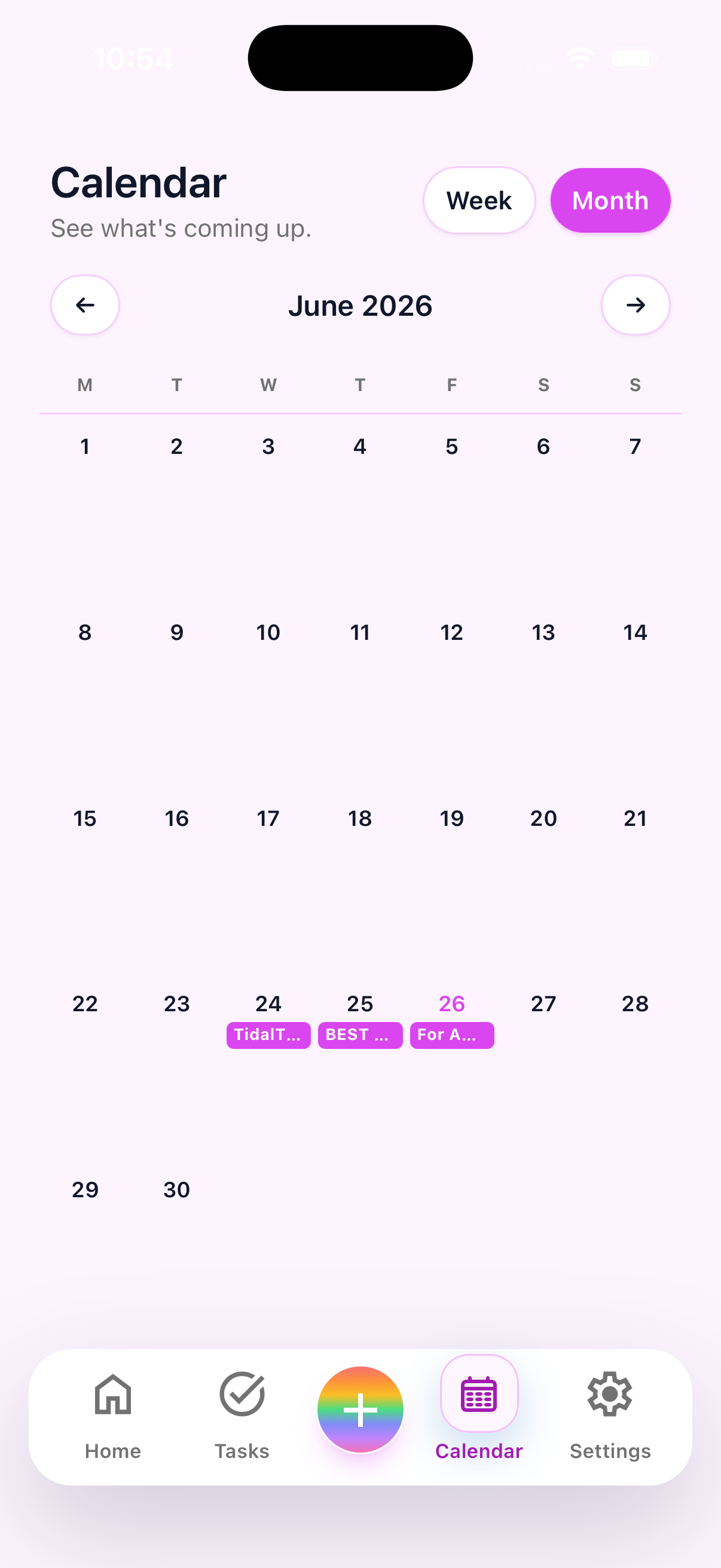
Monthly overview
The bigger picture, always in view
Zoom out to spot patterns, plan ahead, and stay oriented across the whole month.
- Plan around what is actually coming up
- See recurring responsibilities without extra setup
- Adjust without guilt when the month goes sideways
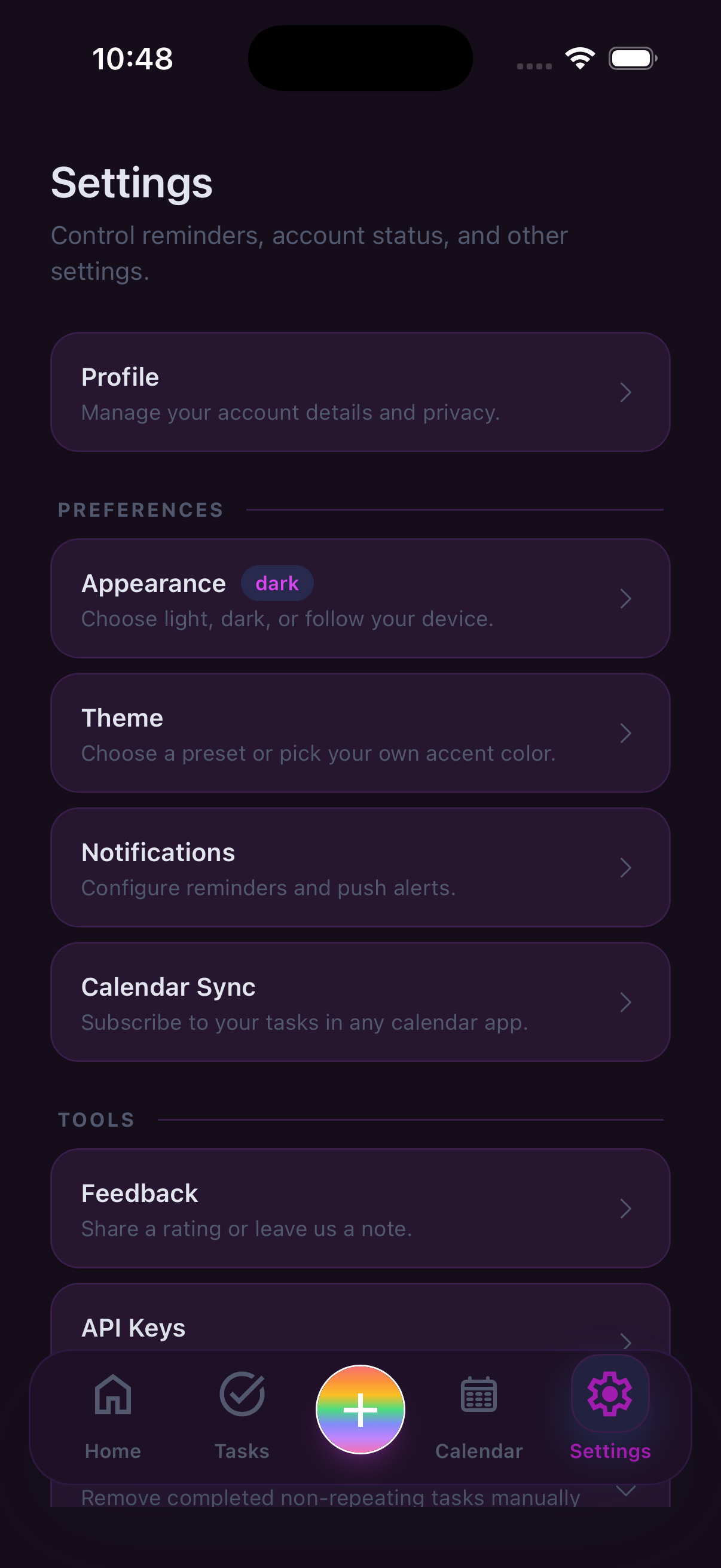
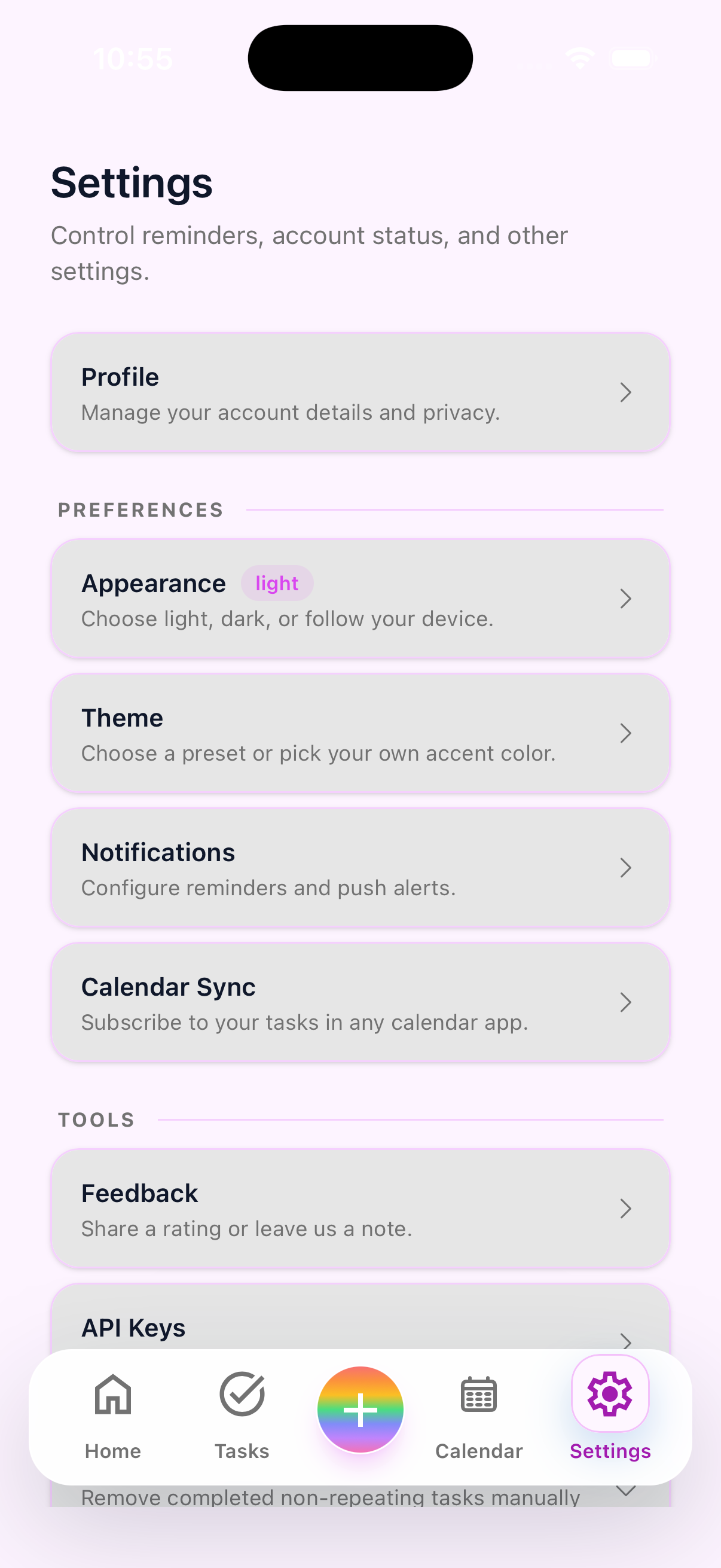
Your preferences
Built to adapt to you
Themes, notification styles, and layout options so the app fits how you actually work.
- Low-stimulation and high-contrast theme options
- Reminders tuned to feel supportive, not punishing
- Notification timing you control to match your rhythm
FAQ
Common questions
What kind of app is TidalTask?
TidalTask is positioned as an ADHD-friendly planner app, ADHD task management app, and flexible routine app. It focuses on quick capture, reminders, and lower-friction follow-through rather than dense project management.
Who is TidalTask for?
It is for ADHD adults and anyone dealing with executive dysfunction, task overwhelm, time blindness, low-energy planning, or decision fatigue who wants a simpler planning system.
How is this different from a generic to-do list app?
The core difference is the intent: quick capture, flexible routines, clearer daily visibility, and less guilt when plans change. Generic apps often optimize for power and organization depth first.
Does TidalTask replace routines or calendars?
It is better to think of TidalTask as a lower-friction planning layer. It helps with task capture, daily clarity, and repeatable structure, especially when routine consistency is hard to maintain.
Next step
Start with the lightest possible setup.
Get TidalTask for your devices, or log in on the web when you want more room to sort what is next.